Legit & Rage aim
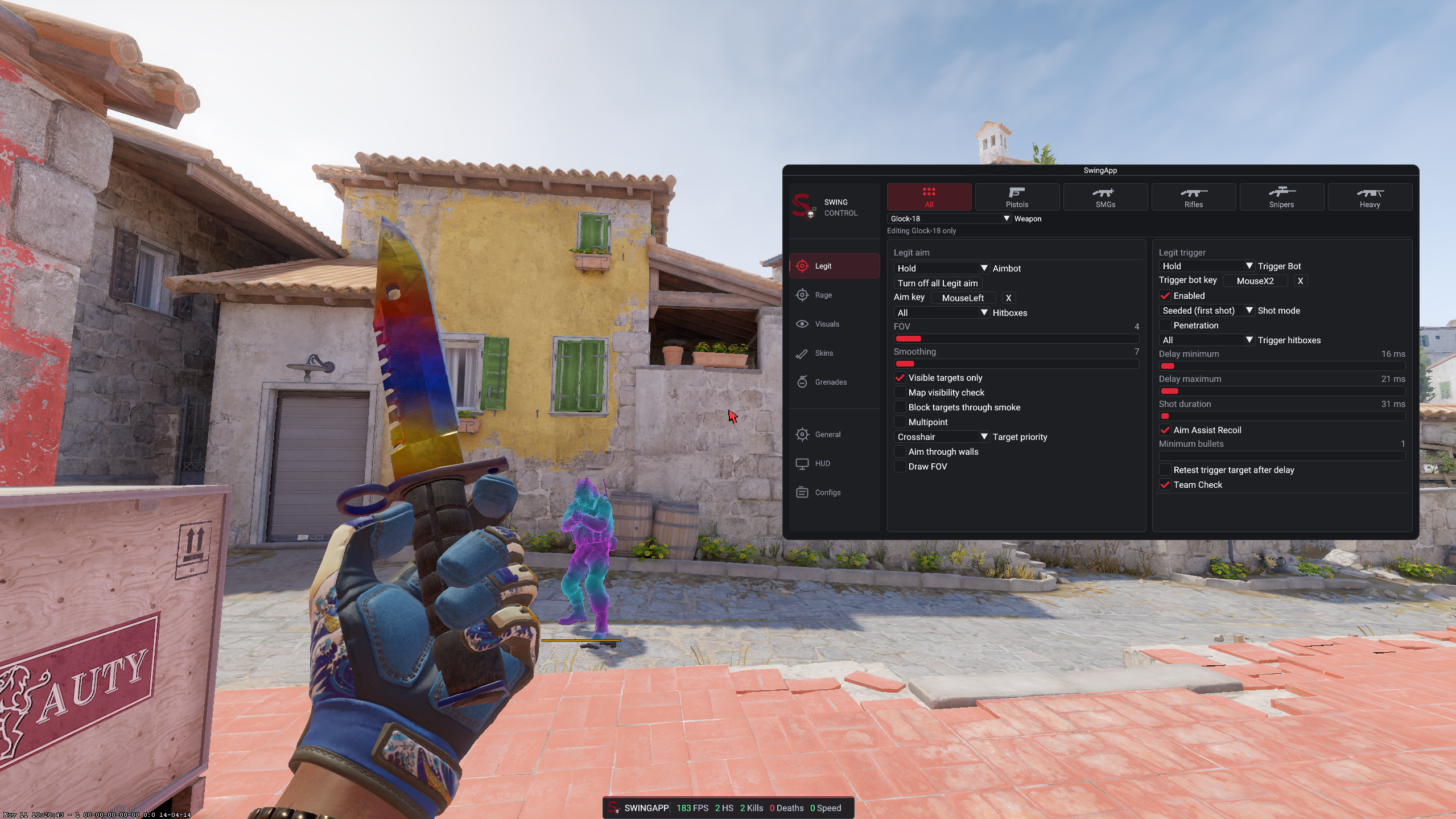
Weapon profiles, selectable hitboxes, FOV, smoothing and visibility checks.
SWINGAPP / COUNTER-STRIKE 2
One control center for configurable aim, trigger, player visuals and grenade lineups. See the current interface in real gameplay below.
CURRENT FEATURES
Weapon profiles, selectable hitboxes, FOV, smoothing and visibility checks.
Per-weapon timing, hitboxes, Seeded first shot and optional penetration settings.
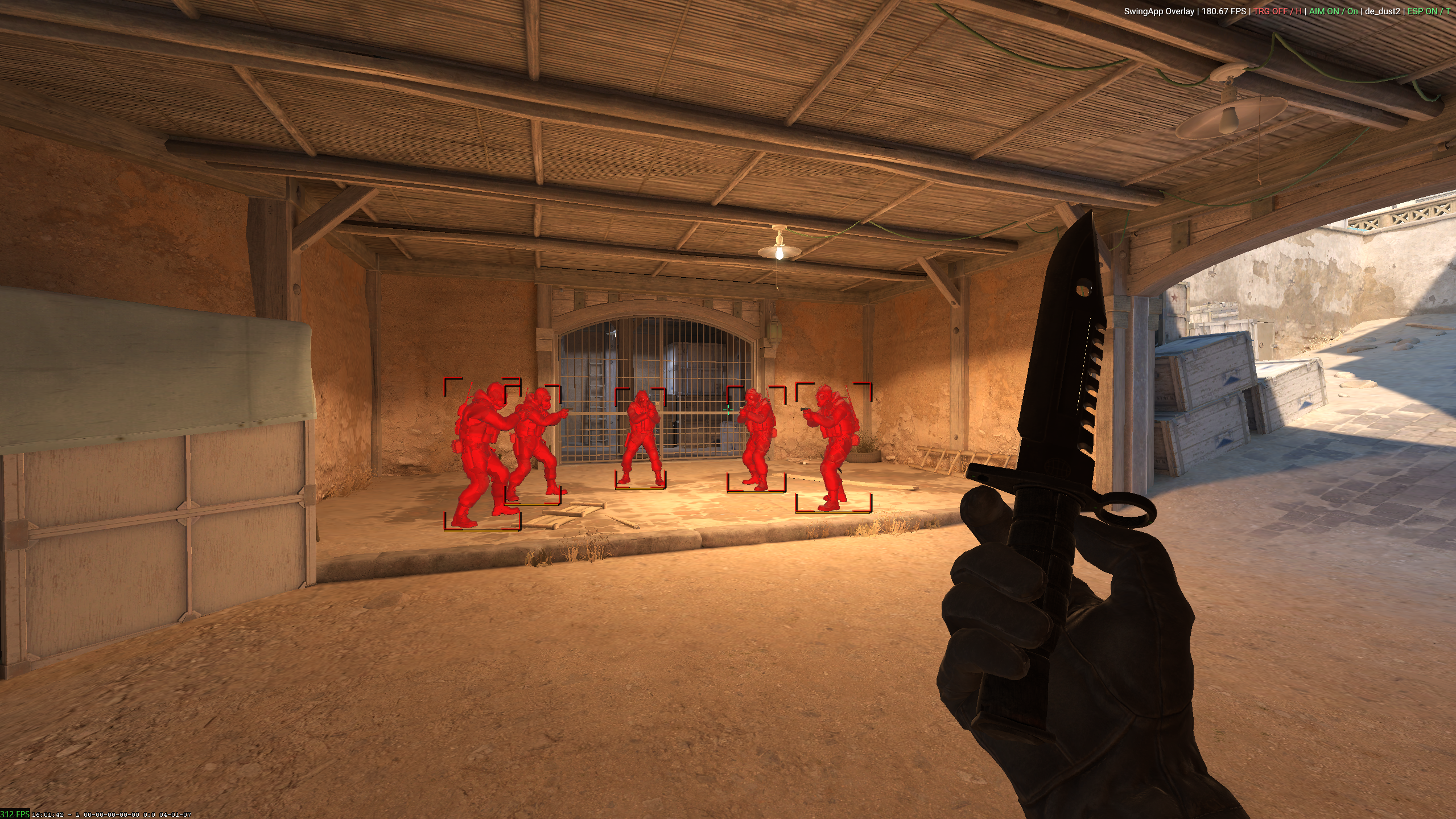
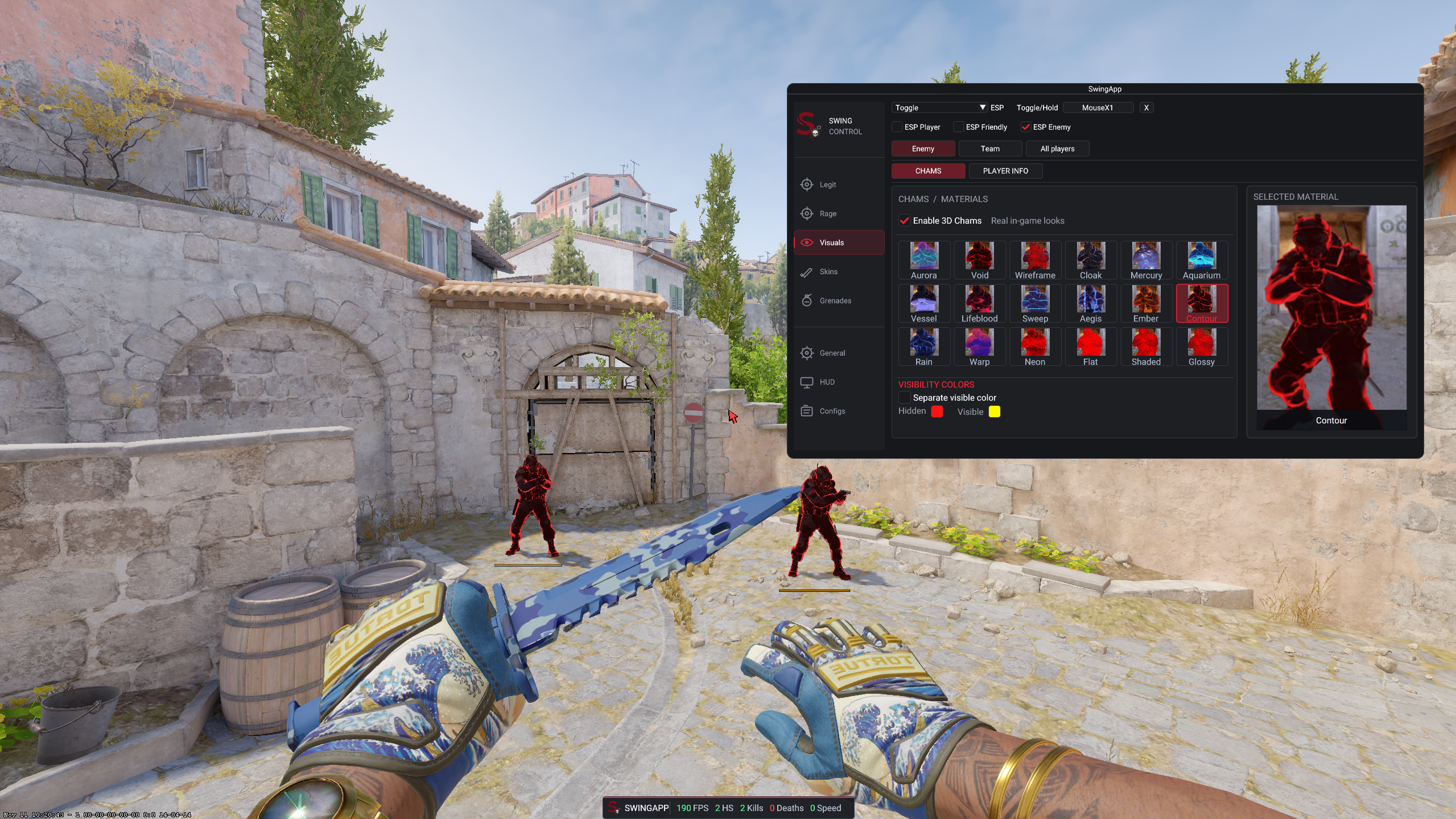
Player overlays, visibility colors, sound markers and radar tools.
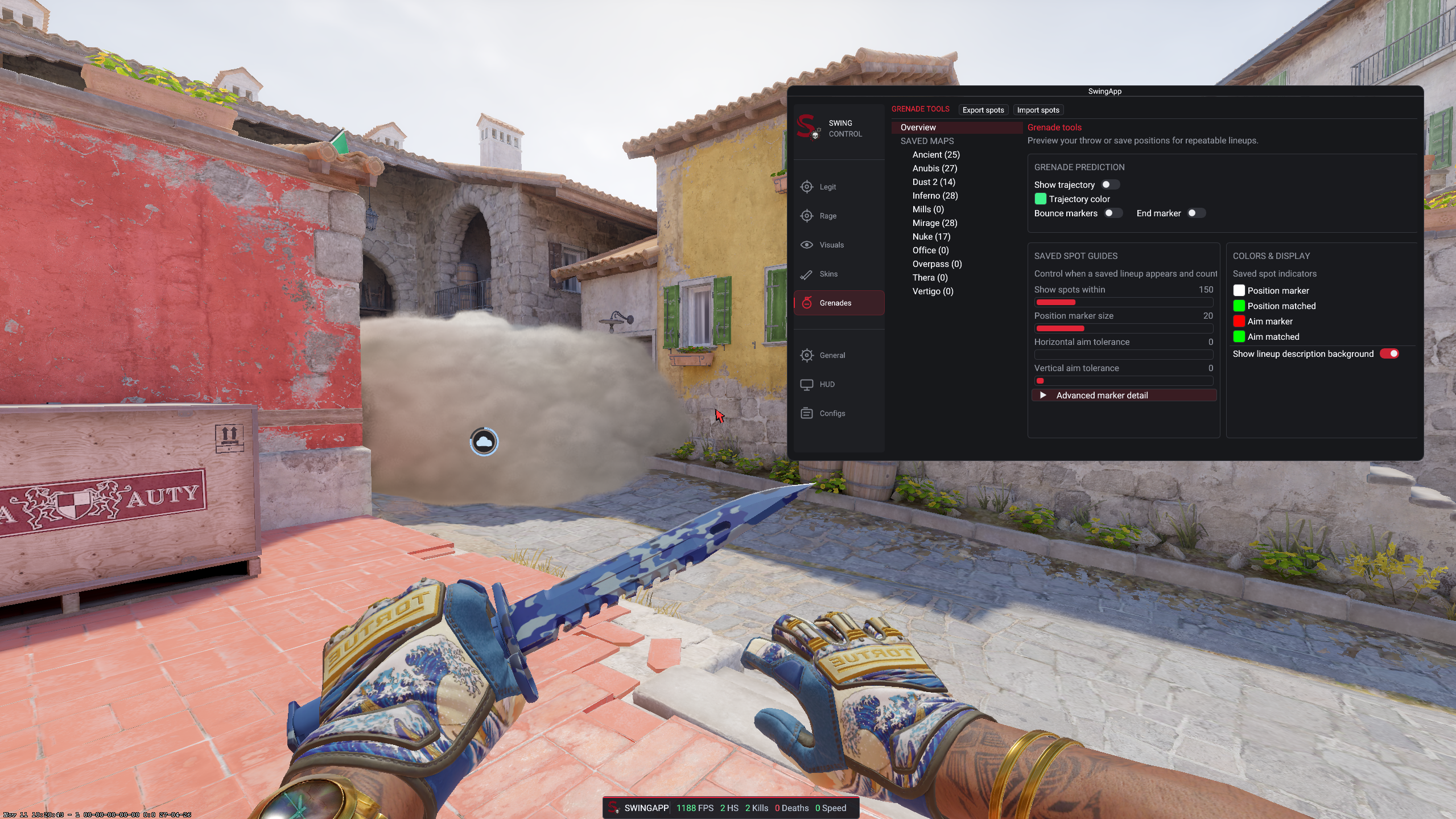
Grenade helper, configurable crosshair and live feature states.
05 / Common questions
Everything you need to know before requesting private access.
SwingApp is a configurable CS2 overlay with player visuals, combat tools, grenade lineups and a companion launcher.
Join the official Discord server and follow the access instructions shared by the Swing team.
Visit the Versions page for the current release information, build status, and availability details.
New builds, maintenance notices, and important changes are announced through the official Discord server.
Use the support channels on Discord and include clear details about your issue without sharing passwords or private keys.
Read the full Terms & Conditions on the Terms page before requesting or using private access.